Sleep Tools
Timed Audio
Sleep Tools › Timed Audio
Arm a delay and Ludin speaks a phrase through your phone's on-device text-to-speech once it elapses, repeated a few times. This is an induction cue, not a waking practice: the phrase is meant to be heard from inside a REM period you're already in, where it can be woven into the dream and recognised there. It's the audio counterpart to the light flash, aimed at exactly the same moment.
Do this after a WBTB wake, or with a midday nap. This tool is designed to be armed as you go back to sleep — either after a Wake-Back-to-Bed wake, or at the start of a midday nap. Sleep you re-enter that way reaches REM far sooner and holds it far longer than sleep you're just beginning, so the cue has real dream to land in. Armed at bedtime instead, it spends the first hours firing into non-REM sleep, where there's very little to become lucid inside.
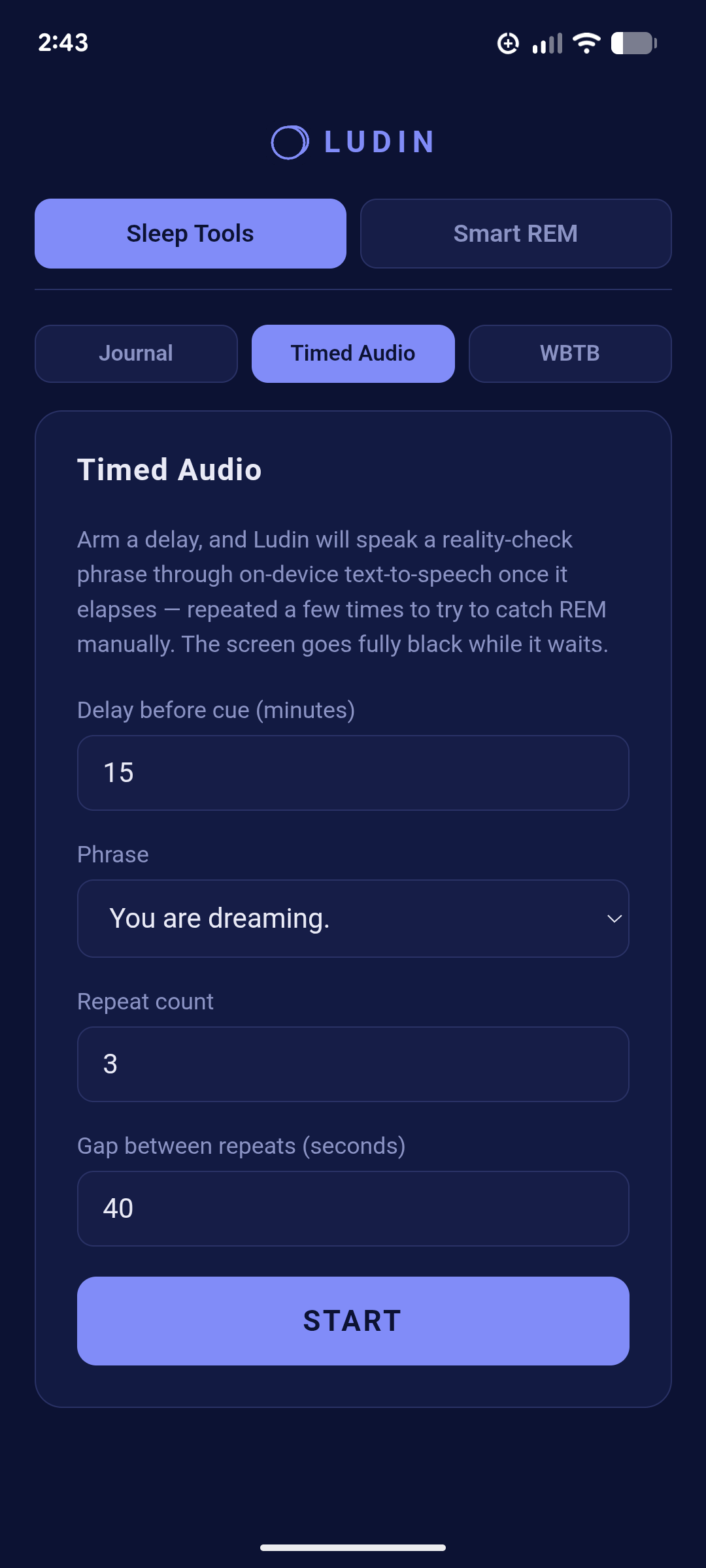
docs/images/timed-audio.pngSettings
| Setting | Default | What it does |
|---|---|---|
| Delay before cue (minutes) | 15 | How long Ludin waits after you press Start before speaking. Counted from the moment you arm it, not from when you fall asleep — so include the time you take to drop off. |
| Phrase | You are dreaming. | What gets spoken into the dream. Pick from the list or choose Custom… to write your own. |
| Repeat count | 3 | How many times the phrase is spoken in total. |
| Gap between repeats (seconds) | 40 | The silence between one repetition and the next. |
The built-in phrases
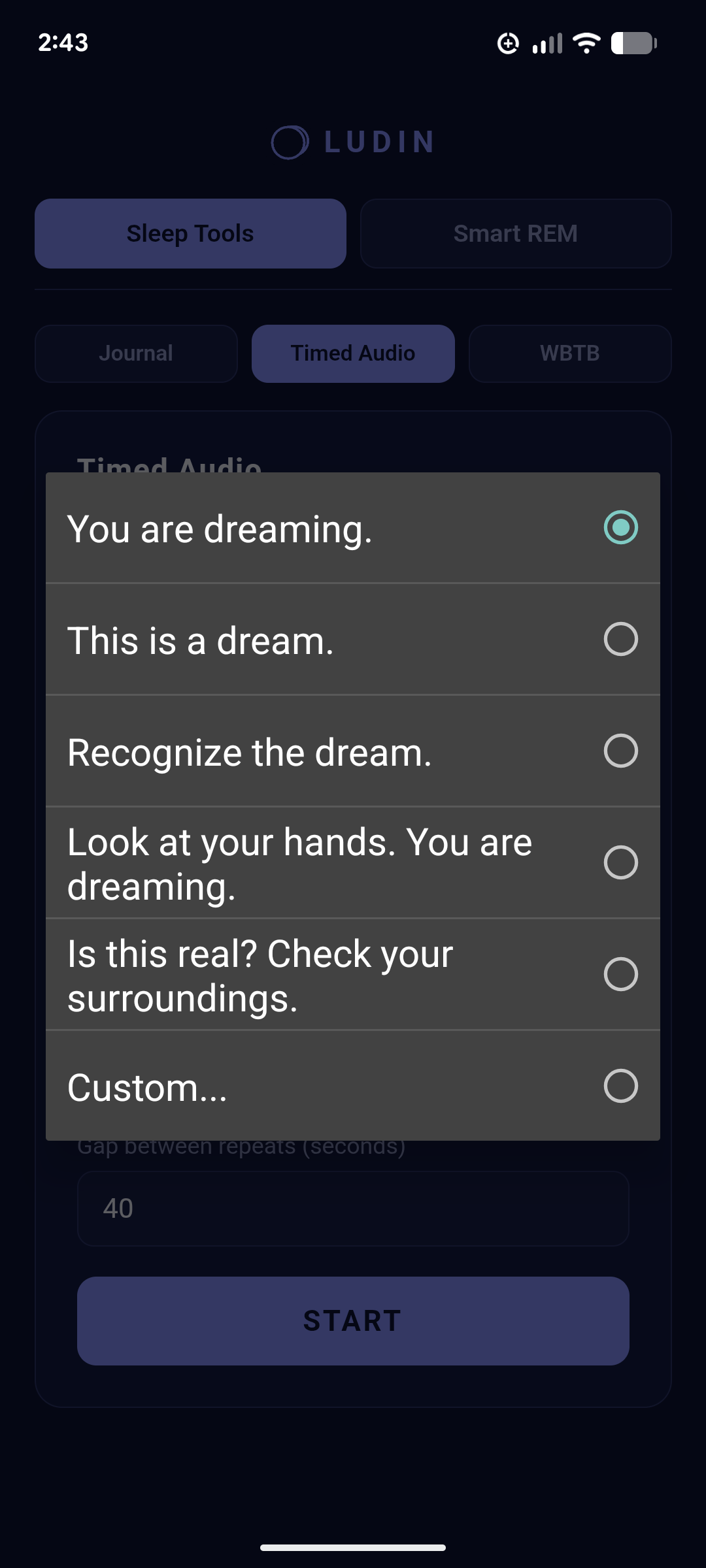
Tapping Phrase opens the list:
- You are dreaming.
- This is a dream.
- Recognize the dream.
- Look at your hands. You are dreaming.
- Is this real? Check your surroundings.
- Custom… — write your own.
docs/images/timed-audio-phrases.pngThese read like waking reality checks, and that's where the wording comes from — but here they're being spoken into a dream in progress. The two-part phrases (Look at your hands. You are dreaming.) pair an instruction with the statement, which gives a half-asleep mind something to do rather than just something to hear.
If you write a custom phrase, keep it short and use words you've also been rehearsing while awake. A phrase you've been saying to yourself for days is far more likely to be recognised inside a dream than a clever one you're hearing for the first time.
Where to point the delay
Because you're arming this at the start of a nap or after a WBTB wake, the delay is short — you're covering your fall-asleep time plus the run-up to the first REM period, not waiting out a whole night. Sleep re-entered after several hours awake-in-the-night, or in a midday nap, reaches REM much sooner than sleep at bedtime does.
Set the delay to your own fall-asleep time plus that run-up, and let the repeats cover the error in your estimate — more attempts across a window beats one precisely-aimed cue.
Running it
Press Start and the screen goes fully black while it waits. Tap anywhere to come back to the app. Set your phone's volume before you arm it — loud enough to reach you asleep, quiet enough not to wake you fully.
Concrete delay numbers for naps versus post-WBTB sleep, plus how to choose repeat count and gap for your own sleep — including the trade-off between a cue strong enough to notice and one that wakes you.